CT Training CentreComputer education · Pakur

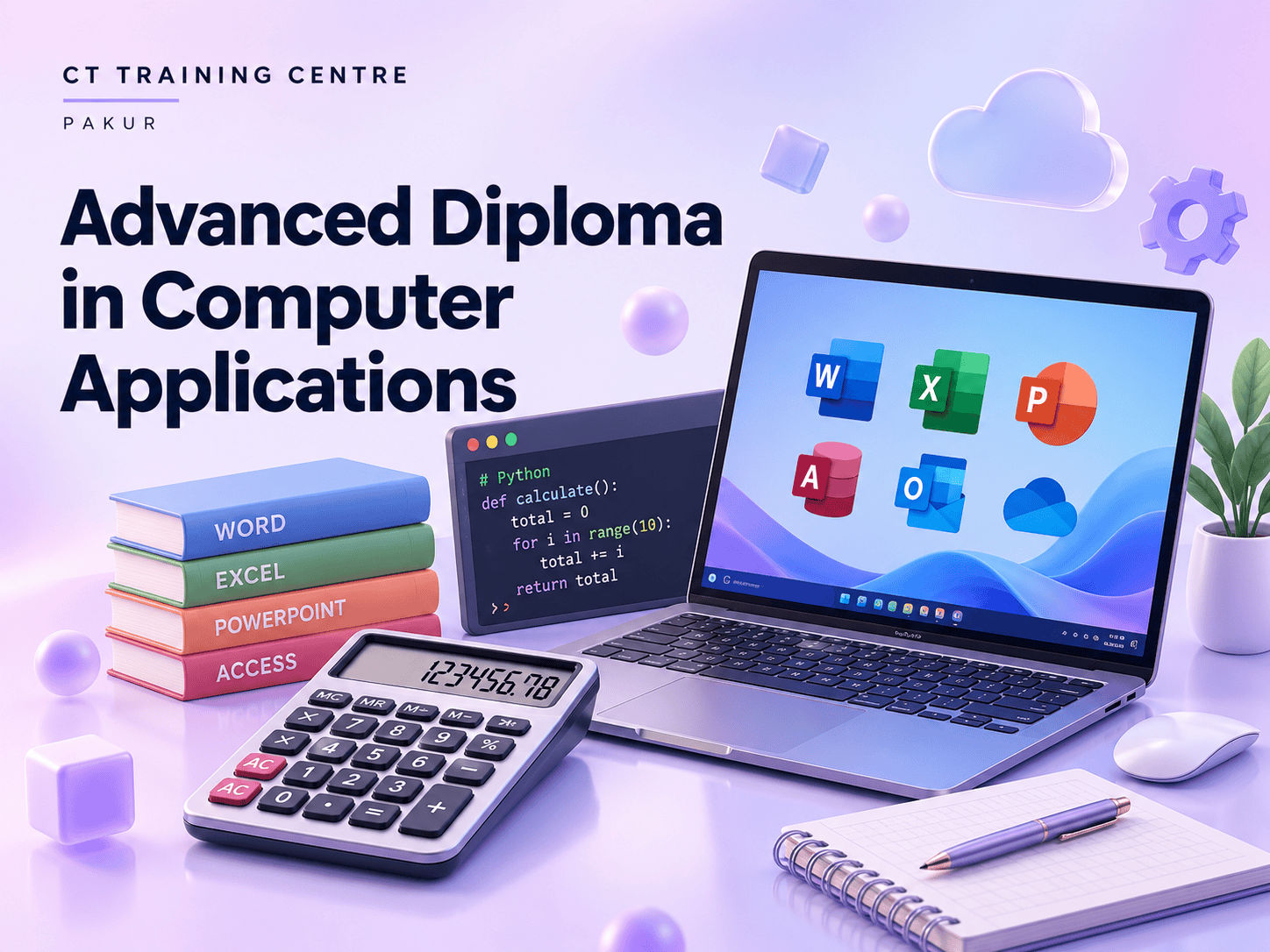
Advanced Diploma in Computer Applications

Take your computer knowledge further with advanced applications.
Practical
learning
Structured
lessons
Career
guidance
Advanced Diploma in Computer Applications course thumbnail

Duration12 months

Content2 core topics

ModeIn-centre

Computer practice
Clear explanations
Learn in Pakur
Career support

Skills you can put to work.

Explore the core areas of ADCA.

  • Advanced computer applications
  • Office productivity

Your course. Every step.

Build your skills one topic at a time, with room to practise.

12 months 24 learning units

    • Computer components, hardware vs. software
    • Types of computers and their applications
    • Overview of Windows OS
    • Installing and configuring Windows
    • Creating, copying, moving, and deleting files and folders
    • Disk cleanup, software updates, antivirus

    • Document creation and formatting
    • Advanced features: mail merge, templates, tables
    • Spreadsheet basics, data entry, and formatting
    • Formulas, functions, charts, and graphs

    • Creating presentations, slide design, animations
    • Advanced features: transitions, multimedia
    • Database concepts, creating and managing databases
    • Queries, forms, and reports

    • Pivot tables, VLOOKUP, HLOOKUP
    • Data validation, conditional formatting
    • Using Excel for data analysis
    • Creating dashboards and data visualizations

    • Understanding the internet, browsers, and search engines
    • Email setup and management
    • Basics of HTML and web page structure
    • Introduction to CSS for styling web pages

    • Basics of Accounting
    • Fundamental accounting concepts
    • Types of accounts, golden rules of accounting
    • Introduction to Tally ERP 9
    • Overview of Tally interface
    • Creating a new company in Tally
    • Basic Configuration in Tally
    • Setting up company features
    • User and security controls
    • Creating and Managing Ledgers
    • Types of ledgers, ledger creation
    • Groups and subgroups
    • Inventory Management
    • Stock groups, stock categories, stock items
    • Units of measure, godowns
    • Practical Session
    • Hands-on practice creating ledgers and inventory items
    • Types of Vouchers
    • Sales, purchase, payment, receipt, journal, contra vouchers
    • Recording Transactions
    • Voucher entry and alteration
    • Practical examples and exercises
    • Practical Session
    • Comprehensive voucher entry practice
    • Generating Reports
    • Trial balance, profit and loss account
    • Balance sheet, cash flow statement
    • Customizing Reports
    • Configuring and customizing report formats
    • Practical Session
    • Generating and analyzing financial reports

    • Overview of GST
    • GST concepts, types of GST (CGST, SGST, IGST, UGST)
    • GST rates and HSN/SAC codes
    • GST Registration and Compliance
    • GSTIN, GST return filing process
    • Important GST forms and due dates
    • GST in Tally
    • Configuring GST in Tally
    • GST Configuration
    • Enabling GST, setting up tax rates
    • Creating GST ledgers
    • GST Masters
    • Defining GST tax details in masters
    • GST stock items, stock groups, stock categories
    • Practical Session
    • Configuring GST for different scenarios

    • Basics of graphic design, color theory
    • Using design software (Adobe Photoshop/CorelDRAW)
    • Audio and video editing basics
    • Introduction to multimedia software (Adobe Premiere/Final Cut Pro)

    • Forms, tables, responsive design
    • 2D Animation, Landing Page
    • Plug-in Installation, C-Panel,Host,Server Many More..

    • Basic Typing English
    • Basic Typing Hindi
    • Doc,XLS,GoogleSheet,
    • Data Entry Typing Practice

Source-based curriculumAdapted from the course-page syllabus supplied by CT Training Centre. Confirm the teaching schedule for your batch.

A person to learn with.

Get to know the trainer for your batch.

Meet your course trainer

Your instructor is assigned by batch. Contact the centre to meet your trainer and discuss how the course is taught.

Computer practiceClassroom guidance
Ask about your instructor
A student learning on a laptop
Find your starting point.

A skill for your
next step.

Students

Add practical digital skills to your studies.

Job seekers

Explore skills that connect with your career plans.

Working professionals

Build on the tools you use in everyday work.

New to this subject? Ask us about the right starting level and eligibility for ADCA.

Check course requirements

A little clarity before you start.

The published duration is 12 months. Confirm the current schedule for your batch with the centre.

Fees and eligibility depend on the course. Ask the centre for current details before enrolling.

Confirm the teaching language for your preferred batch with the centre.

Ask the centre about the certificate, issuing body and completion requirements for this course.

This page is for classroom learning at CT Training Centre in Pakur. Contact the centre about any other available formats.

No. Career support includes resume guidance and interview preparation, but does not guarantee employment.

Let’s find your course.

Bank Colony, Pakur, Jharkhand
Mobile: 7979855840

Talk to us