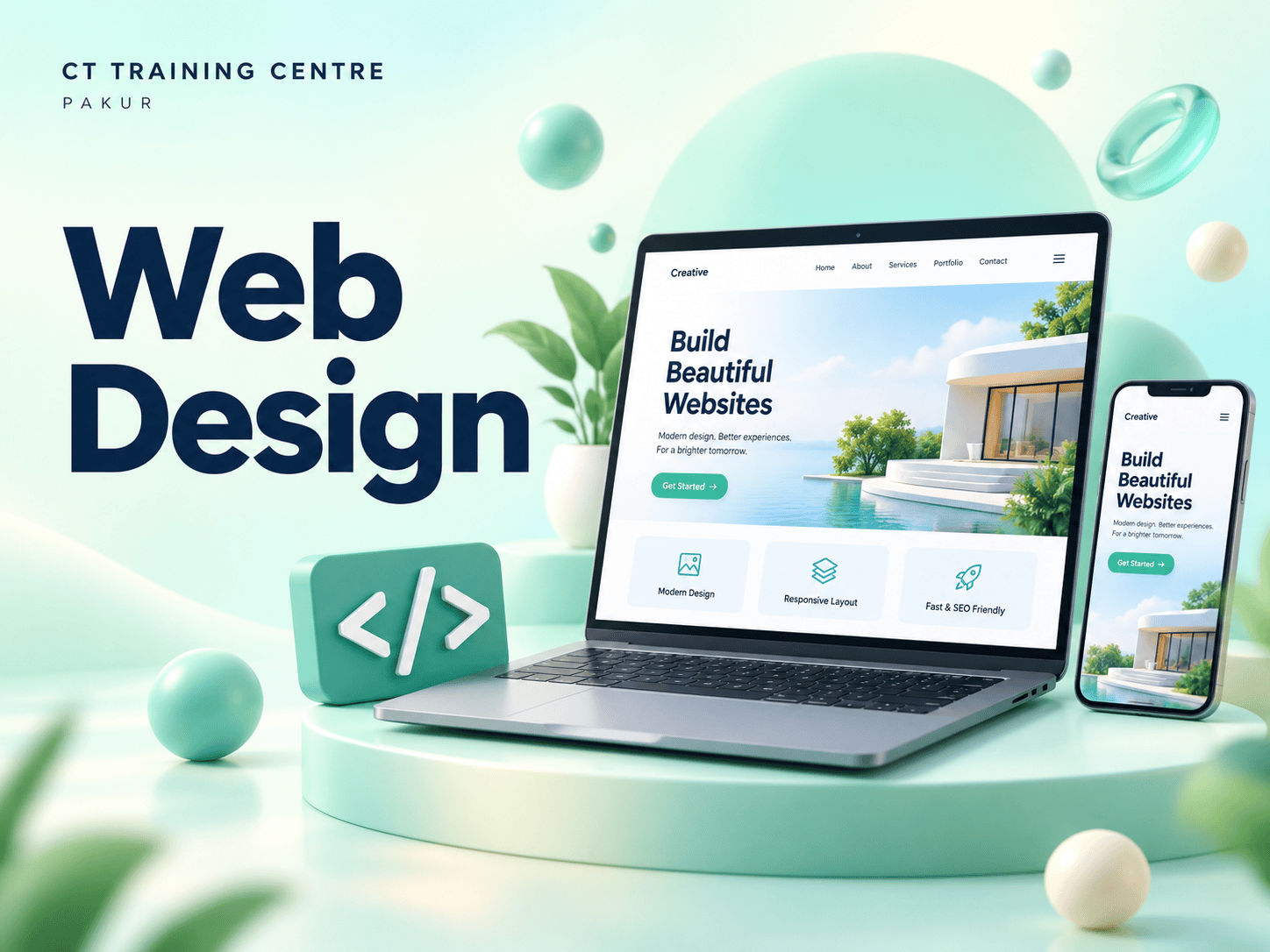
Web Design
Learn how responsive, user-friendly websites come together.
learningStructured
lessonsCareer
guidance
DurationAsk the centre
Content2 core topics
ModeIn-centre
Skills you can put to work.
Explore the core areas of Web design.
- Responsive websites
- User-friendly website design
Your course. Every step.
Build your skills one topic at a time, with room to practise.
- Understanding the structure of HTML documents
- Basic HTML tags and attributes
- Creating a simple web page
- Working with headings, paragraphs, and text formatting
- Using lists (ordered, unordered, and definition lists)
- Adding hyperlinks
- Embedding images and videos
- Working with audio elements
- Creating image maps
- Understanding form elements (input, select, textarea)
- Creating forms with various input types
- Form validation and submission
- Understanding CSS syntax and selectors
- Inline, internal, and external CSS
- Basic text styling (fonts, sizes, colors)
- Understanding the box model (margin, border, padding, content)
- Working with width, height, and overflow properties
- Styling borders and backgrounds
- Using display properties (block, inline, inline-block)
- Positioning elements (static, relative, absolute, fixed)
- Using float and clear properties
- Introduction to responsive design principles
- Using media queries for different screen sizes
- Creating flexible layouts with CSS Grid and Flexbox
- Working with semantic HTML5 elements
- Creating tables and formatting them with CSS
- Using iframes and embedded content
- Advanced selectors (pseudo-classes and pseudo-elements)
- CSS animations and transitions
- Creating custom animations with keyframes
- Designing a complete web page from scratch
- Combining HTML and CSS skills
- Best practices for clean and maintainable code
- Planning and building a comprehensive web project
- Peer review and feedback sessions
- Preparing for the final certification exam
Source-based curriculumAdapted from the supplied Certificate in HTML and CSS syllabus. This covers the HTML/CSS foundation of Web Design; confirm the full course scope with the centre.
A person to learn with.
Get to know the trainer for your batch.
Meet your course trainer
Your instructor is assigned by batch. Contact the centre to meet your trainer and discuss how the course is taught.

A skill for your
next step.
Students
Add practical digital skills to your studies.
Job seekers
Explore skills that connect with your career plans.
Working professionals
Build on the tools you use in everyday work.
New to this subject? Ask us about the right starting level and eligibility for Web design.
Check course requirementsA little clarity before you start.
Contact the centre for the current course duration and batch schedule.
Fees and eligibility depend on the course. Ask the centre for current details before enrolling.
Confirm the teaching language for your preferred batch with the centre.
Ask the centre about the certificate, issuing body and completion requirements for this course.
This page is for classroom learning at CT Training Centre in Pakur. Contact the centre about any other available formats.
No. Career support includes resume guidance and interview preparation, but does not guarantee employment.
Keep your curiosity going.
More skills to explore at CT.